

 INSTALLATION 01
Control Your Time
Give your responsibilities a deliberate place in your calendar. Protect focus, respect capacity and create a more intentional weekly structure.
WORKS INYour own calendar
Take back control of your work. Make progress on what matters.
Your days are full, but the work that matters most keeps getting pushed aside. Foundation OS helps you set clear direction, prioritize what matters, and turn your plans into consistent action.
Through five guided installations, you'll put in place a practical system for managing your priorities, maintaining direction and tracking your progress.
5 guided installations · 5 ready-to-use tools
Explore three of the five systems included in Foundation OS.
Foundation OS gives you practical systems for managing your priorities, maintaining direction and tracking progress — with step-by-step guidance to help you put each one into practice.

Know what matters this week. Every task with its priority, day, time and whether you do it, delegate it or check in.
A step-by-step system to help you set clear direction, prioritize what matters, organize your work and make consistent progress — with the tools to put it into practice.
Secure checkout and access through Whop
Want to explore before buying?
See how Foundation OS works ↓You can work hard, stay busy all day and still finish without a clear sense of progress.
Your tasks compete for attention. Your calendar fills up. Important goals lose momentum. Meetings create more follow-up than clarity.
The problem isn't always effort.
Sometimes, it's the absence of a system that connects what matters to how you operate every day.
Your attention goes wherever the next interruption takes it.
Important work competes with everything else.
Your daily actions don't always reflect your bigger goals.
Decisions and lessons don't consistently turn into action.
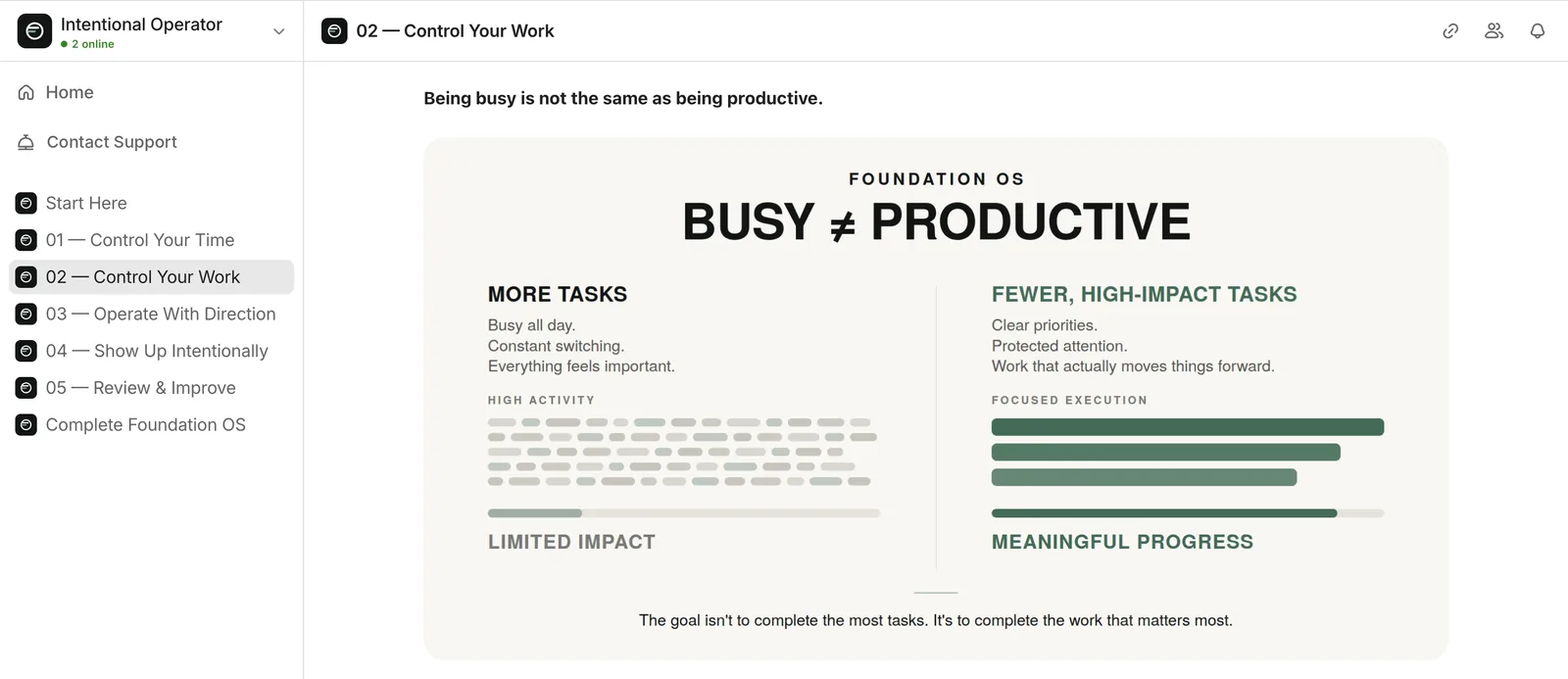
Same responsibilities, same week. The difference is how the work gets handled.
The goal isn't to do more of everything. It's to operate more intentionally.
Foundation OS is organized into five practical installations.
Each installation helps you strengthen a different part of how you operate — from protecting your time to reviewing your performance.
Together, they create a foundation you can use in your everyday work.
INSTALLATION 01Give your responsibilities a deliberate place in your calendar. Protect focus, respect capacity and create a more intentional weekly structure.
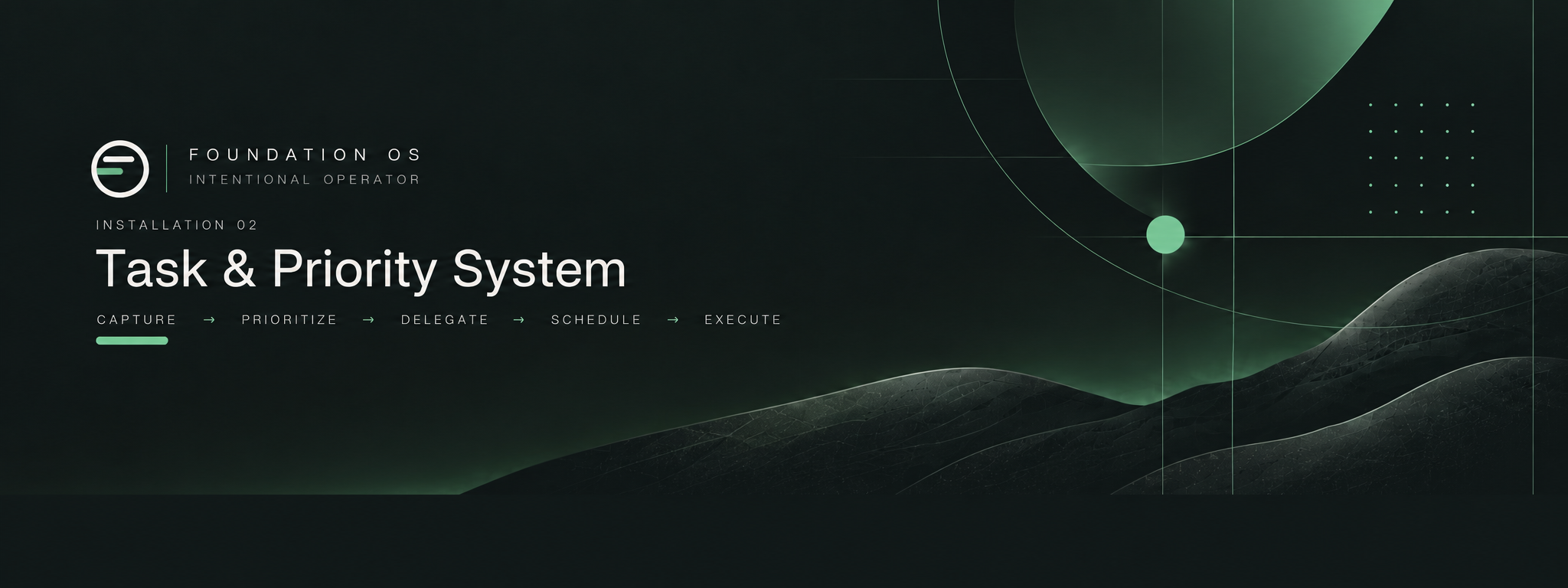
 INSTALLATION 02
Capture tasks in one trusted place. Prioritize, delegate, schedule and execute with greater clarity.
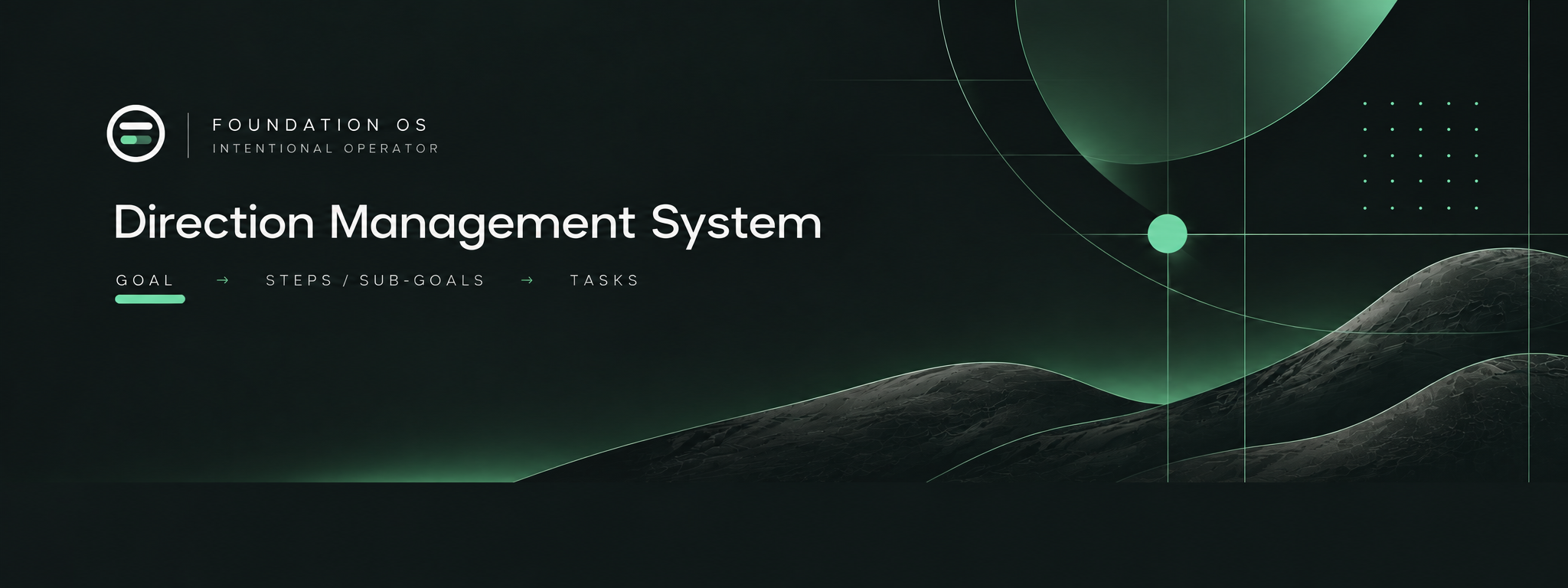
 INSTALLATION 03
Define meaningful goals, break them into steps and track the metrics that help you understand progress.
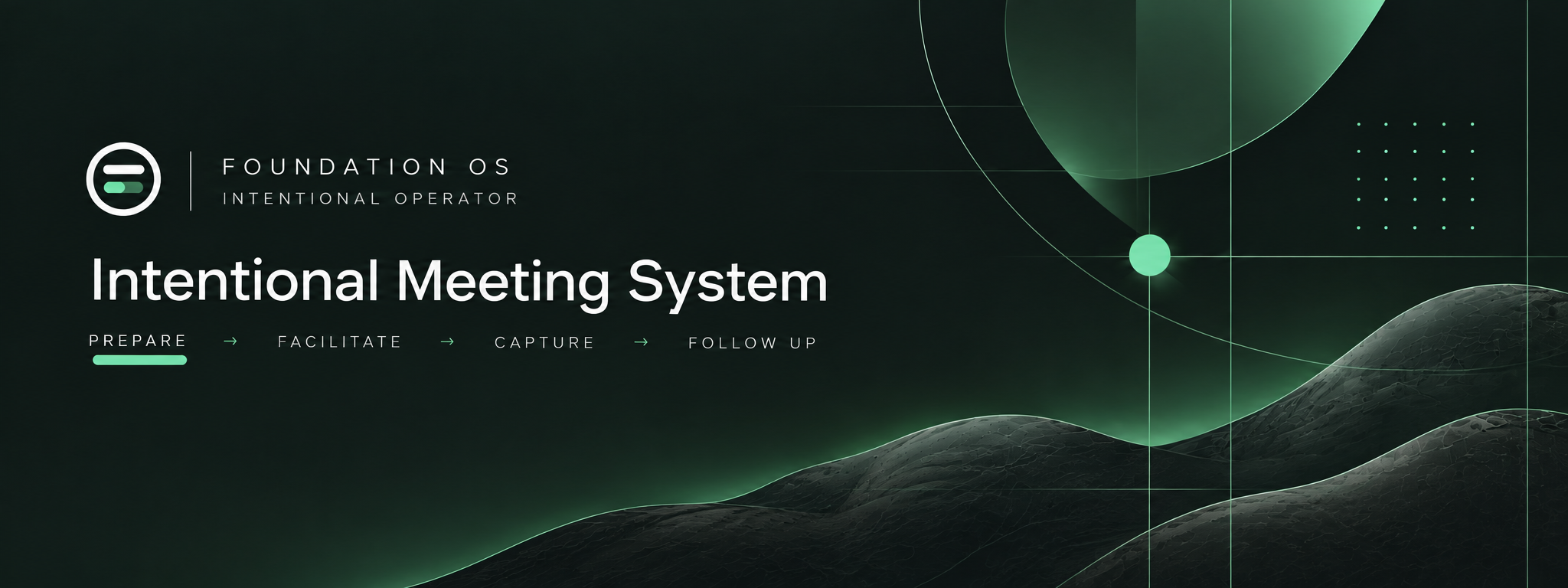
Prepare for important meetings, clarify outcomes and turn conversations into decisions and commitments.
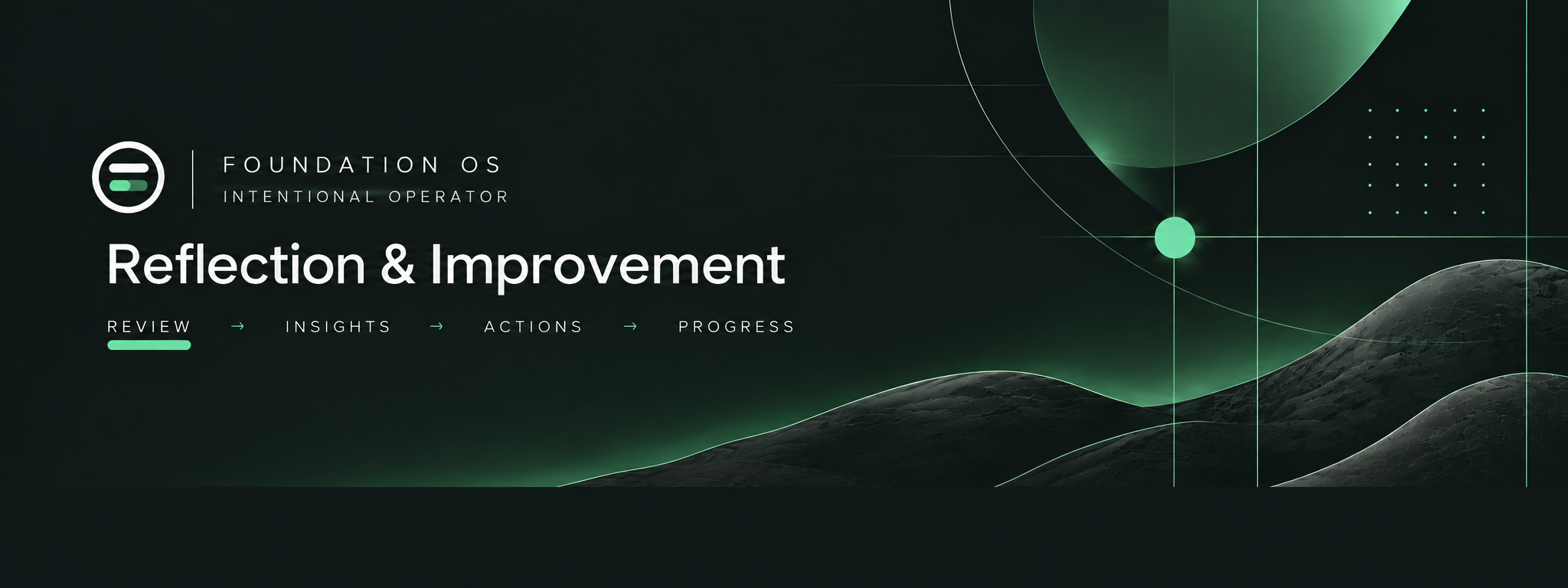
 INSTALLATION 05
Understand what happened, examine how you operated and turn reflection into practical improvements.
Five practical operating systems, each with a guided installation that helps you set it up and put it to work.
Here is exactly what you will be working with.
A step-by-step learning library, built with concise text, visuals and examples. Each installation follows Understand → Learn → Install → Verify, so you finish with a working system, not just notes.
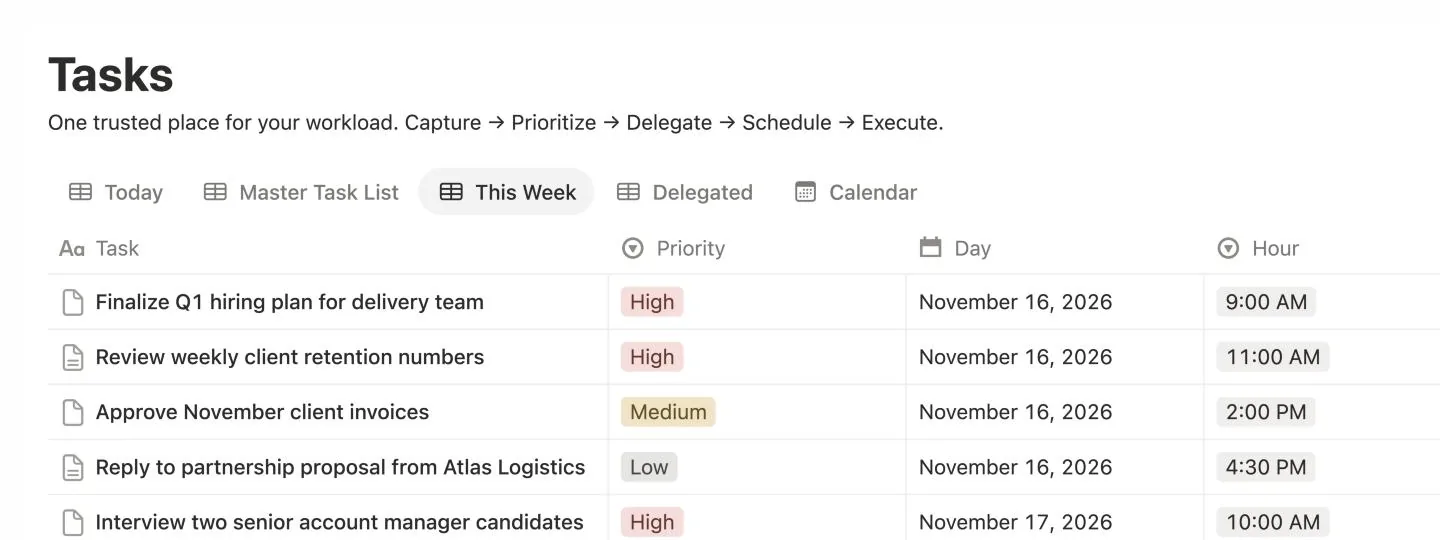
One place for every task, with priority, status, day and time, and whether you do it, delegate it or check in. Views for your master list, this week and delegated work.
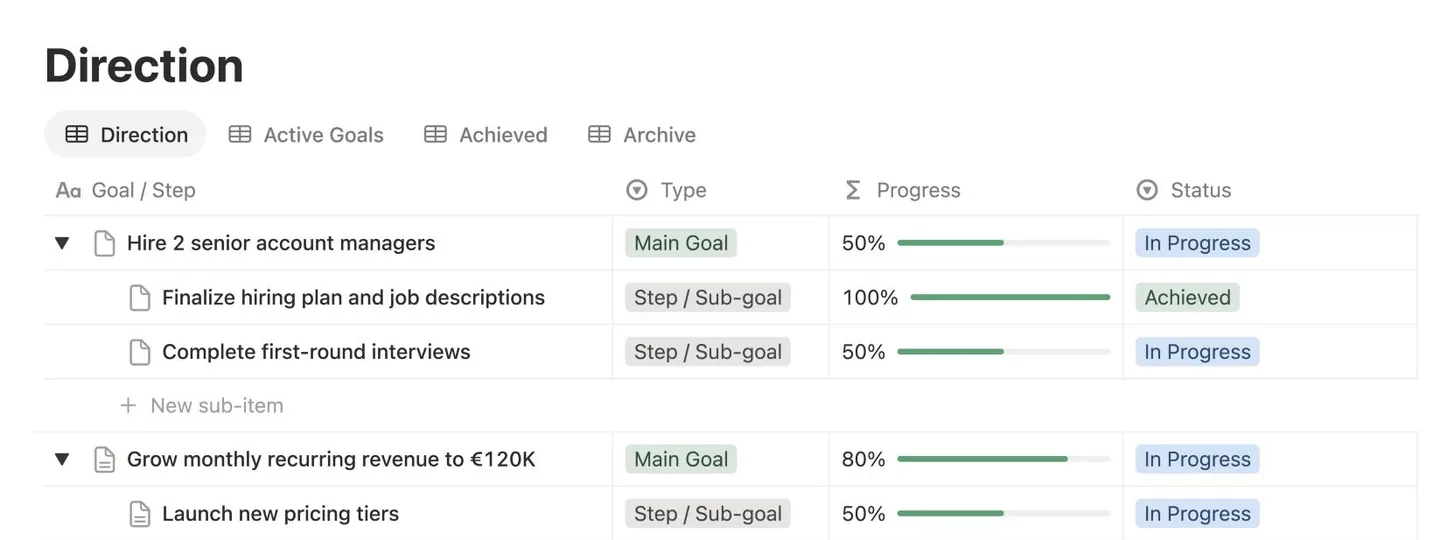
Goals with a numeric target, target date, status and why each one matters, broken into steps and connected to your tasks.
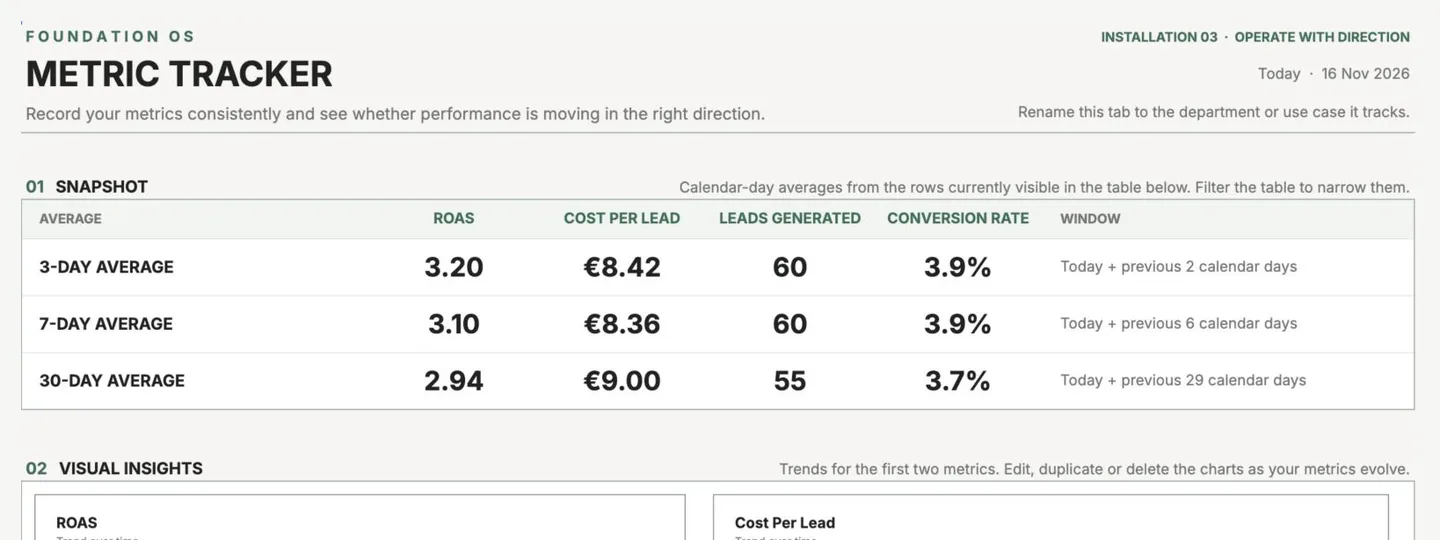
One tab per metric. Log a value and see the latest figure plus 3-, 7- and 30-day averages, with every metric on one overview.
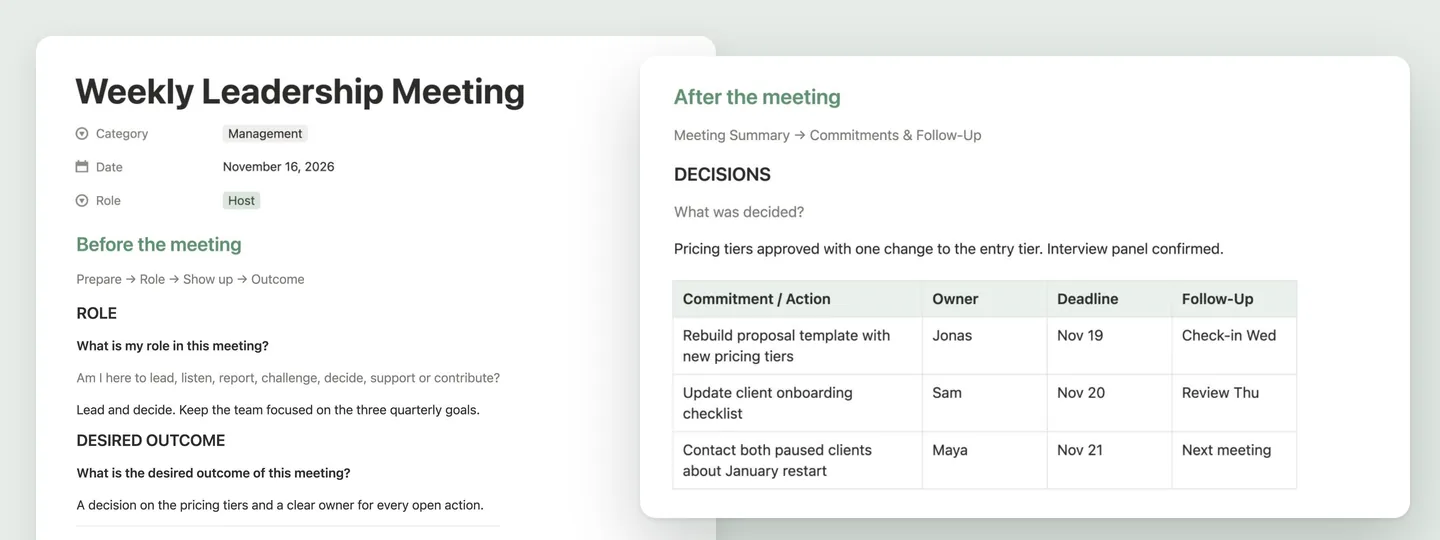
Prepare your role, desired outcome and questions beforehand. Close with decisions, actions, owners and deadlines, then track the follow-up.
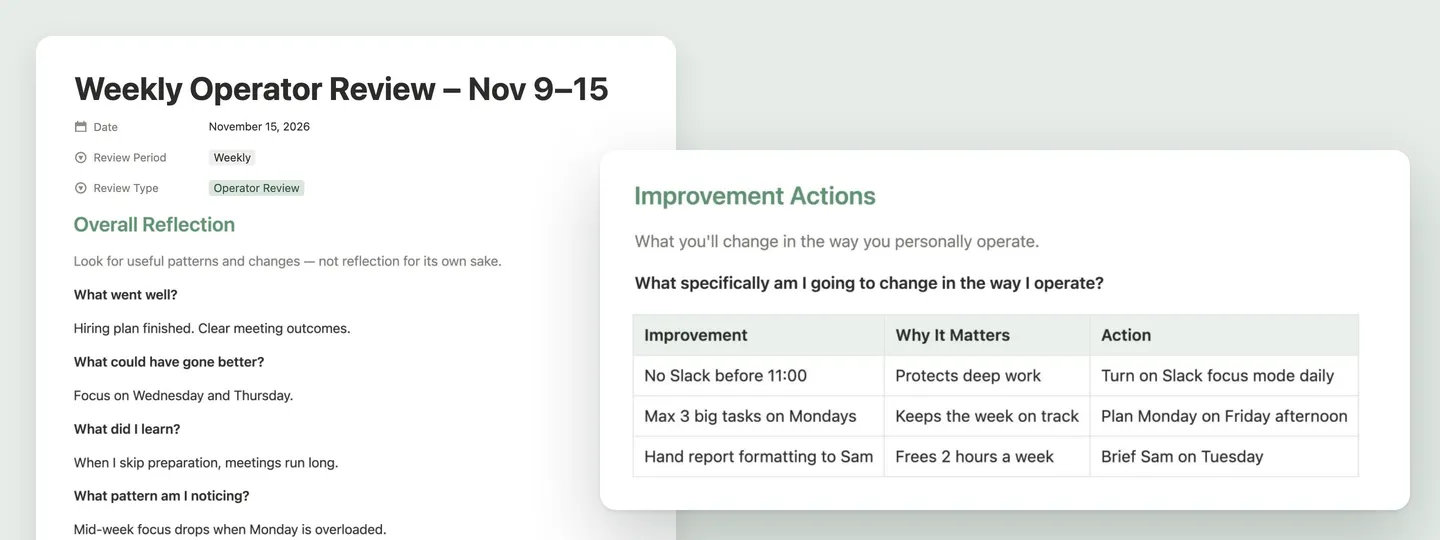
Weekly, monthly, quarterly and yearly reviews, each split into a performance review and an operator review, with separate actions for both.
Five guided installations. Five ready-to-use systems. One operating foundation.
Foundation OS isn't designed to be consumed and forgotten.
Each installation follows a practical sequence that takes you from understanding the principle to putting it into action.
Recognize the problem and the operating principle behind it.
Understand the framework and how it applies to your work.
Put the structure and supporting tools into place.
Check that the system is usable and the intended operating behavior is established.
The value comes from what you implement — not how much content you consume.
Foundation OS is designed for ambitious individuals who carry real responsibilities and want a more deliberate way to manage them.
It's particularly relevant if you're an entrepreneur, founder, operator or professional who wants more structure without adding unnecessary complexity.
Foundation OS provides the structure and guidance. You provide the decisions, implementation and consistency.
Foundation OS is built on more than seven years of experience in operations and management, including four years as Chief Operating Officer helping lead an organization of 70+ people, operating at a scale of millions in monthly revenue. It translates real operational experience into a practical framework for setting direction, managing priorities, and executing consistently.
You get a complete operating foundation: five practical operating systems, each with a guided installation that walks you through setting it up and making it part of how you work.
Why not just templates? A template gives you a page. Foundation OS gives you a connected way of operating: every tool is introduced by the installation that explains why it works, shows you how to set it up in your own workflow and checks that it is actually installed.
One-time purchase. No subscription. Secure checkout and access through Whop.
Foundation OS is a guided operating system designed to help you structure how you manage time, tasks, direction, meetings and improvement. It combines practical frameworks with ready-to-use digital tools.
No. Foundation OS is a guided system delivered through Whop, with supporting tools built in Notion and Google Sheets.
Yes, the Notion-based assets require Notion. The Metric Tracker uses Google Sheets, and the time installation works with your calendar.
No. Foundation OS is organized into separate installations so you can work through each part and implement it progressively.
AI can be useful in certain workflows, but Foundation OS does not depend on AI to function.
No. Foundation OS is a one-time purchase, not a subscription.
Foundation OS is delivered through Whop. After checkout, you access the guided installations and the supporting Notion and Google Sheets assets through Whop.
The tools are only one part. Each one is introduced by a guided installation that explains the principle behind it, shows you how to set it up in your own workflow and asks you to verify it is working before you move on. The five systems are designed to connect, not to be used in isolation.
Yes. The installations give you principles and recommendations rather than rigid rules, so you set up each system around your actual responsibilities, working hours and commitments.
No. It is built for entrepreneurs, founders, operators and professionals who manage their own time, work, goals and meetings.
You don't need another complicated system.
You need a practical foundation for deciding where your time goes, what deserves your attention, where you're going, how you show up and how you improve.
Five practical operating systems · Guided installations